
Export Jira Issues to Excel, CSV and JSON
Scheduled Jira exports with full change history
Advanced Export creates repeatable Jira extracts from JQL, saved filters, boards, or sprints. Select standard and custom fields, comments, and optional change history; preview the result; then generate CSV, XLSX, or JSON. Save the configuration for another run or schedule delivery by email attachment, download link, SFTP, webhook, or API retrieval.
Features
Export Jira issues on a schedule, with full history
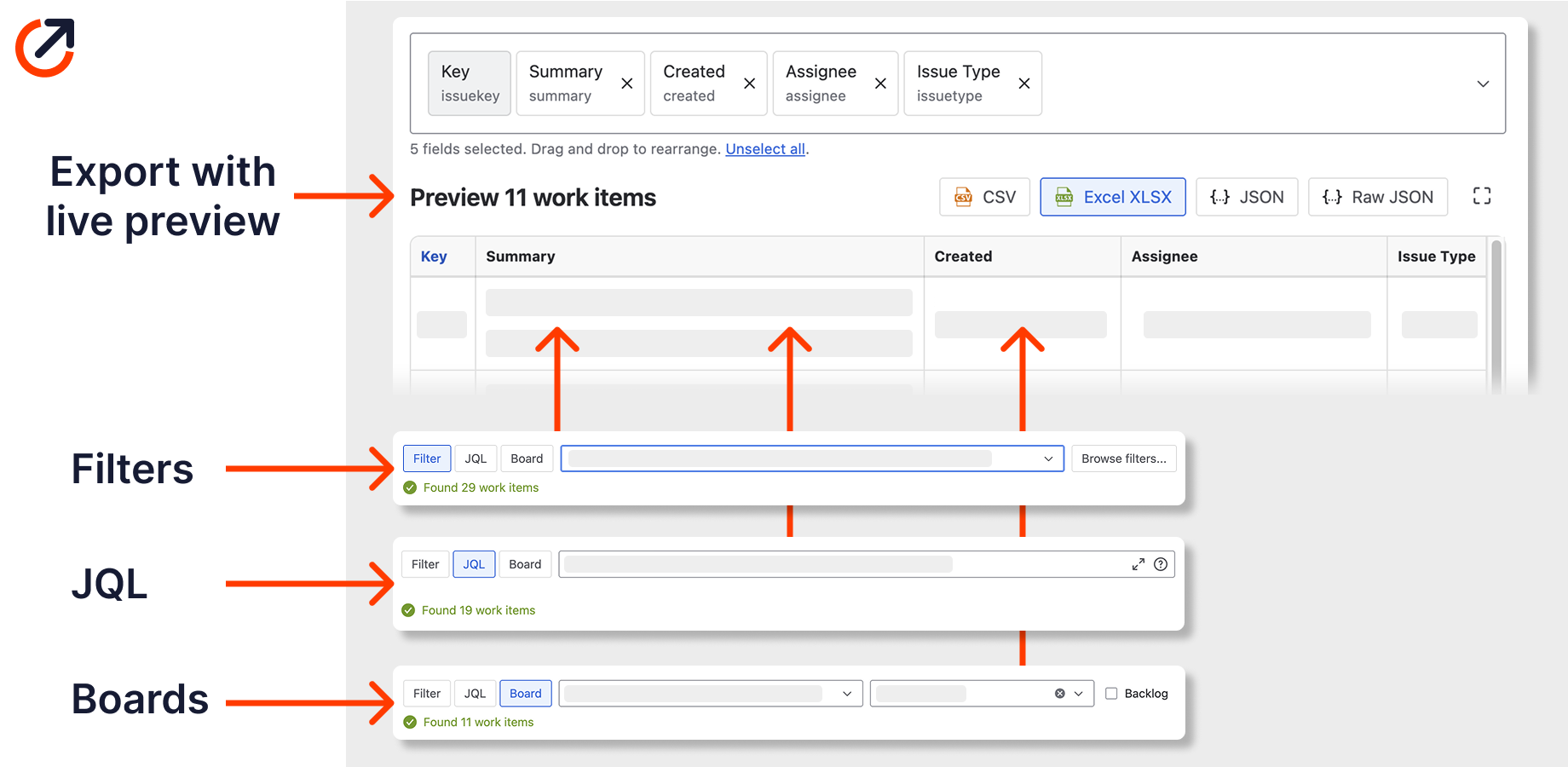
Automate Jira reports with full change history
Configure an export from a filter, JQL query, board, or sprint. Select standard and custom fields, preview the output, and include comments or change history. History output can include changed fields, change dates, author, and time in state in CSV, XLSX, or JSON.
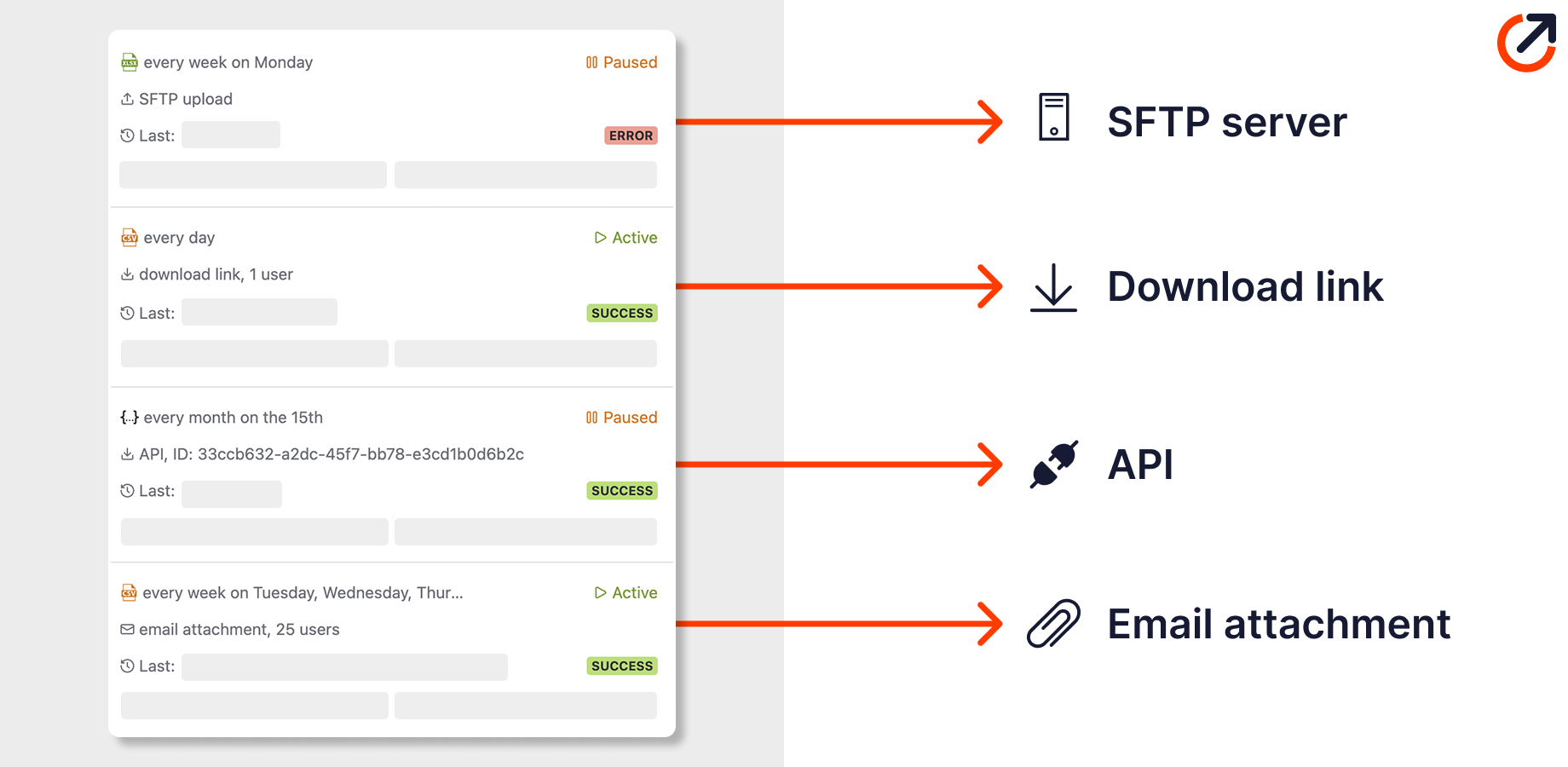
Schedule recurring reports
Run saved exports server-side without keeping the browser open. Deliver by email attachment, download link, SFTP, or webhook. A webhook pushes the file to your endpoint; API delivery lets your system retrieve the latest scheduled result.
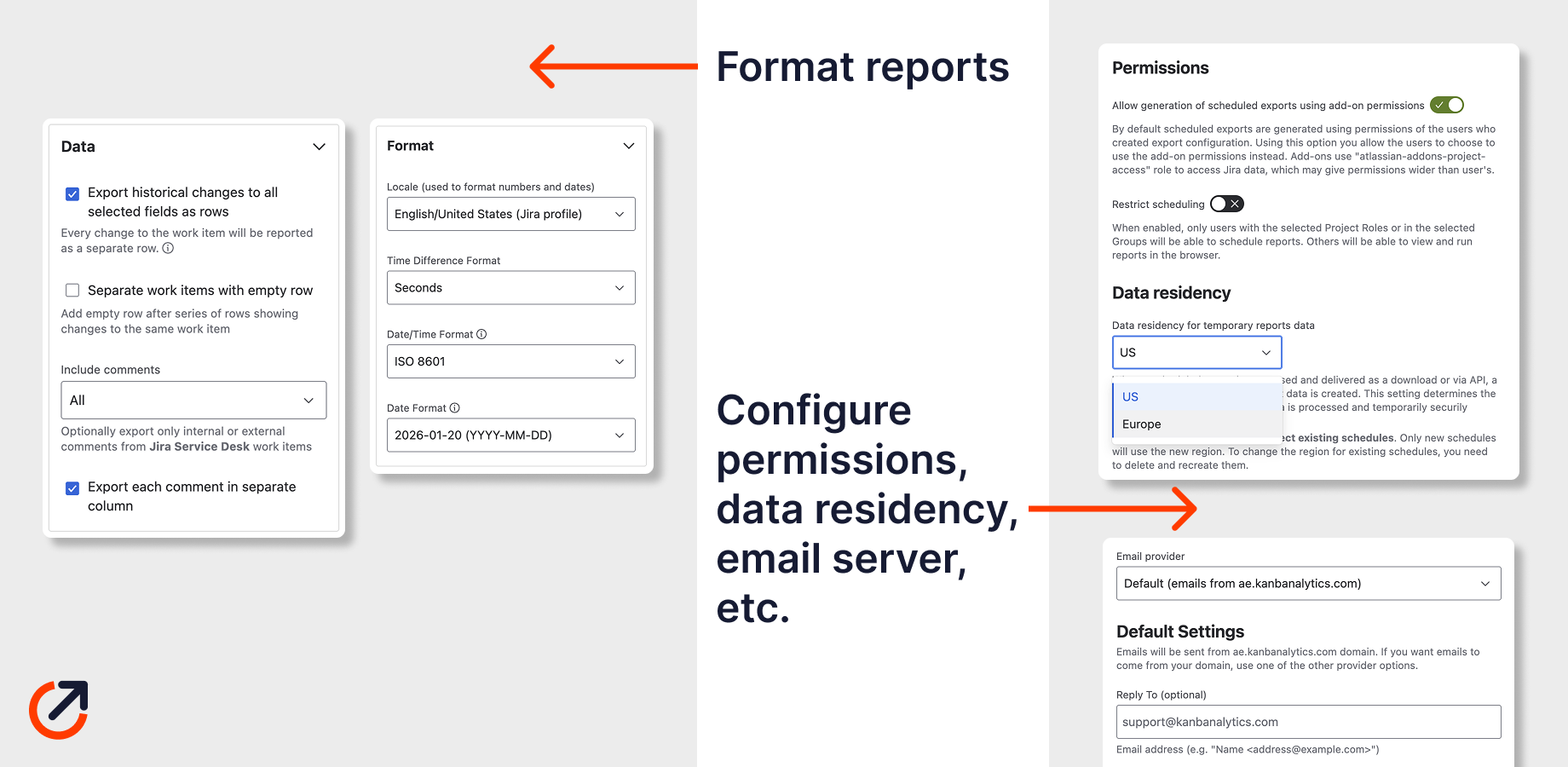
Configure for your needs and organisation
Set field selection, formatting, and delivery for each workflow. Schedules normally use the owner’s Jira permissions. Administrators can allow add-on permissions, which may expose more project data than the owner can see; check that access before choosing recipients.
Practical Jira guide
Learn how to export more than 10,000 Jira work items See Jira's native export limit and the practical options for moving larger result sets into Excel. Read the guide Automate recurring Jira exports to Excel or CSV Choose a schedule and delivery route, then make the workbook refresh dependable. Read the guideBenefits
Why teams stop exporting Jira issues by hand
Compliance ready
Include timestamped field changes, their author, and time in state in your export. Check the selected data and retention against your own audit requirements.
Export for spreadsheets and BI
Create files for Excel, Power BI, Tableau, and other reporting tools. Browser exports support up to 100,000 work items; full history and many fields can still exhaust memory. Reduce the work items, select fewer fields, or use a scheduled background export.
Choose how files are delivered and retained
Interactive exports run in your browser; schedules run server-side. Download-link and API delivery create temporary files on Advanced Export servers. Choose the retention period for download links and check retrieval and access requirements before scheduling sensitive data.
Start exporting Jira issues to Excel
Install Advanced Export from the Atlassian Marketplace and transform the way you work with Jira.