
Repeatable Jira reports, for your team and your AI.
Advanced Export turns Jira fields and full change history into scheduled Excel and CSV files, SQL answers like cycle time and time in status, and data your AI assistant can query. Set it up yourself, or ask Rovo or Claude to do it for you.
Free for teams of up to 10 users · Install from the Atlassian Marketplace
Atlassian Silver Partner · Jira apps since 2015


Advanced Export
From raw rows to answers your AI can repeat
Export
Every field, every change
Pick work items by JQL, filter, board or sprint. Send any fields and full change history as Excel, CSV or JSON, on a schedule.
Learn moreQuery
Answers instead of rows
Add a SQL step and deliver the answer instead of raw rows: time in status, cycle time, throughput, reopened work.
Learn moreAsk
Reports by conversation
Ask the built-in Rovo agent to build, schedule and run a report, or connect Claude or another MCP assistant. In Rovo, nothing is sent until you confirm.
Learn moreNumbers from a database, not from a language model.
For "how many" and "how long" questions, the agent answers with SQL over your Jira data. Ask again and you get the same number, and you can open the query to check it.
Why AI Jira reports go wrong, and how to check themPick the job you need done in Jira

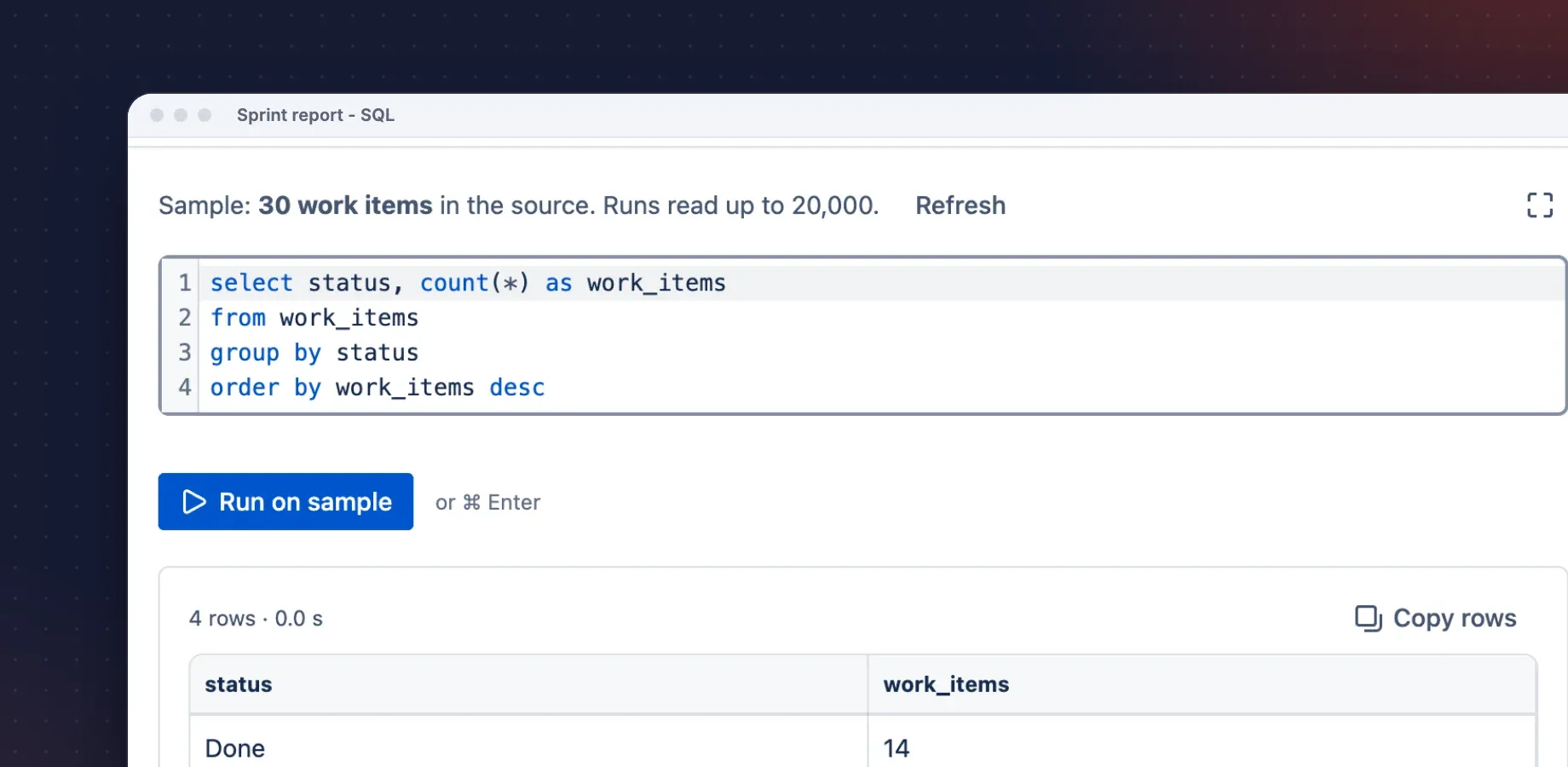
Advanced Export
Exports, SQL reports and AI agent tools
Repeatable Jira data for people and AI agents: scheduled exports with full change history, SQL reports like time in status, and tools for Rovo, Claude or another MCP assistant.
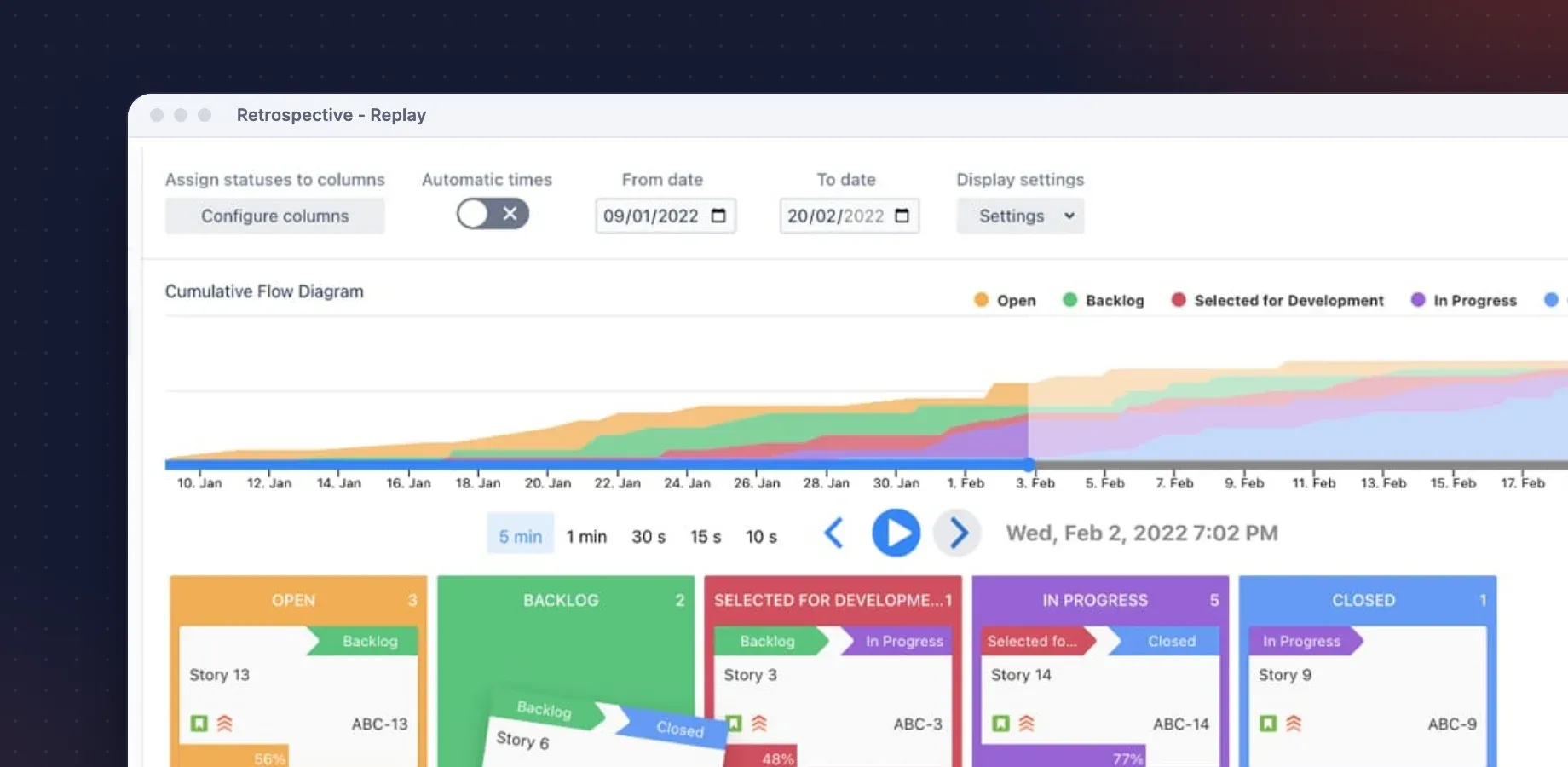
Retrospective Tools
Replay your sprint, find the bottleneck
Replay how work items moved across your board over time. Measure lead time and time in each status, without changing your Jira workflow.
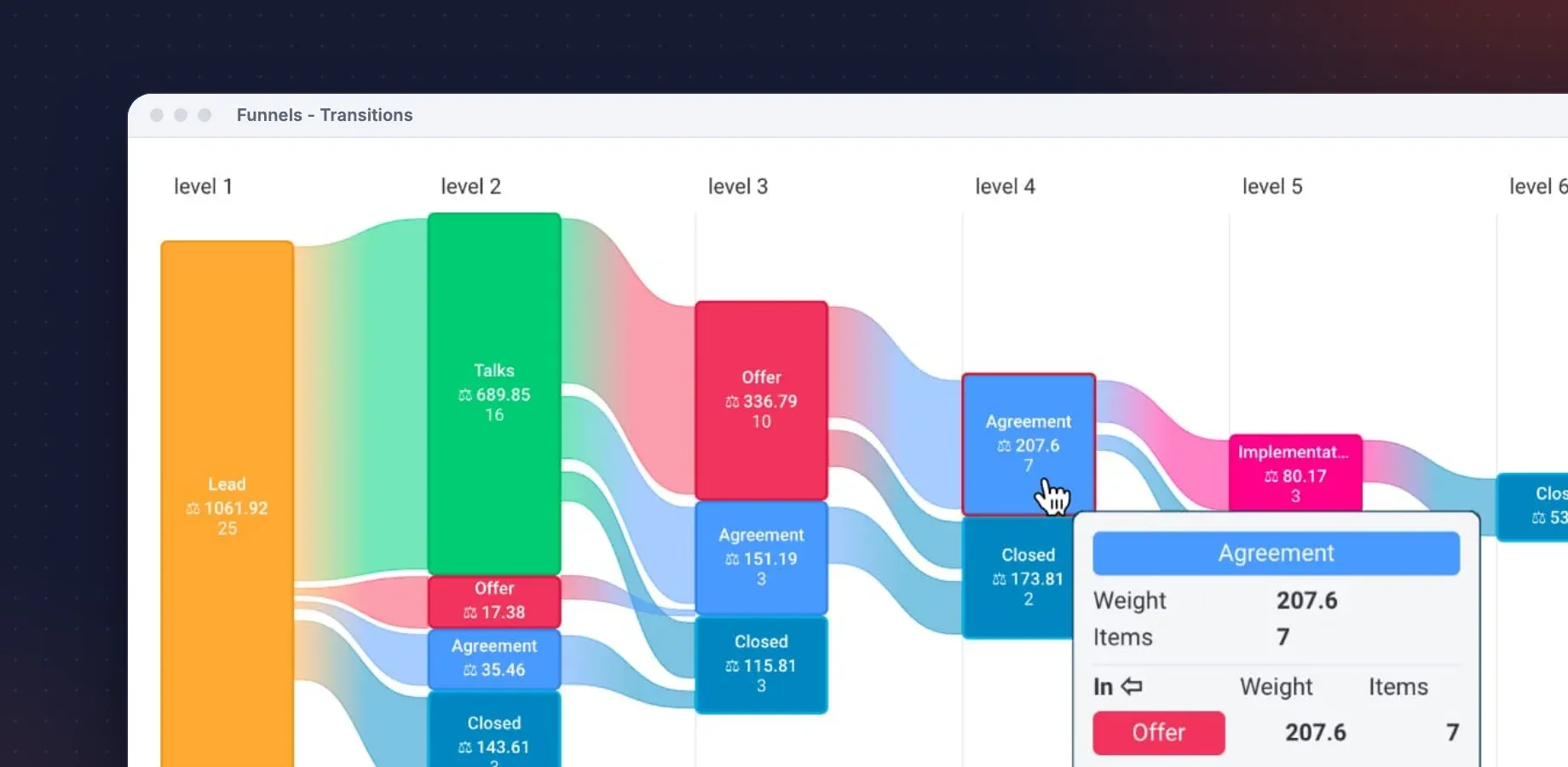
Funnels
See where work drops out
Funnel and journey charts for any Jira workflow: sales, support or delivery. See conversion between stages and where items stall.
monday.com apps

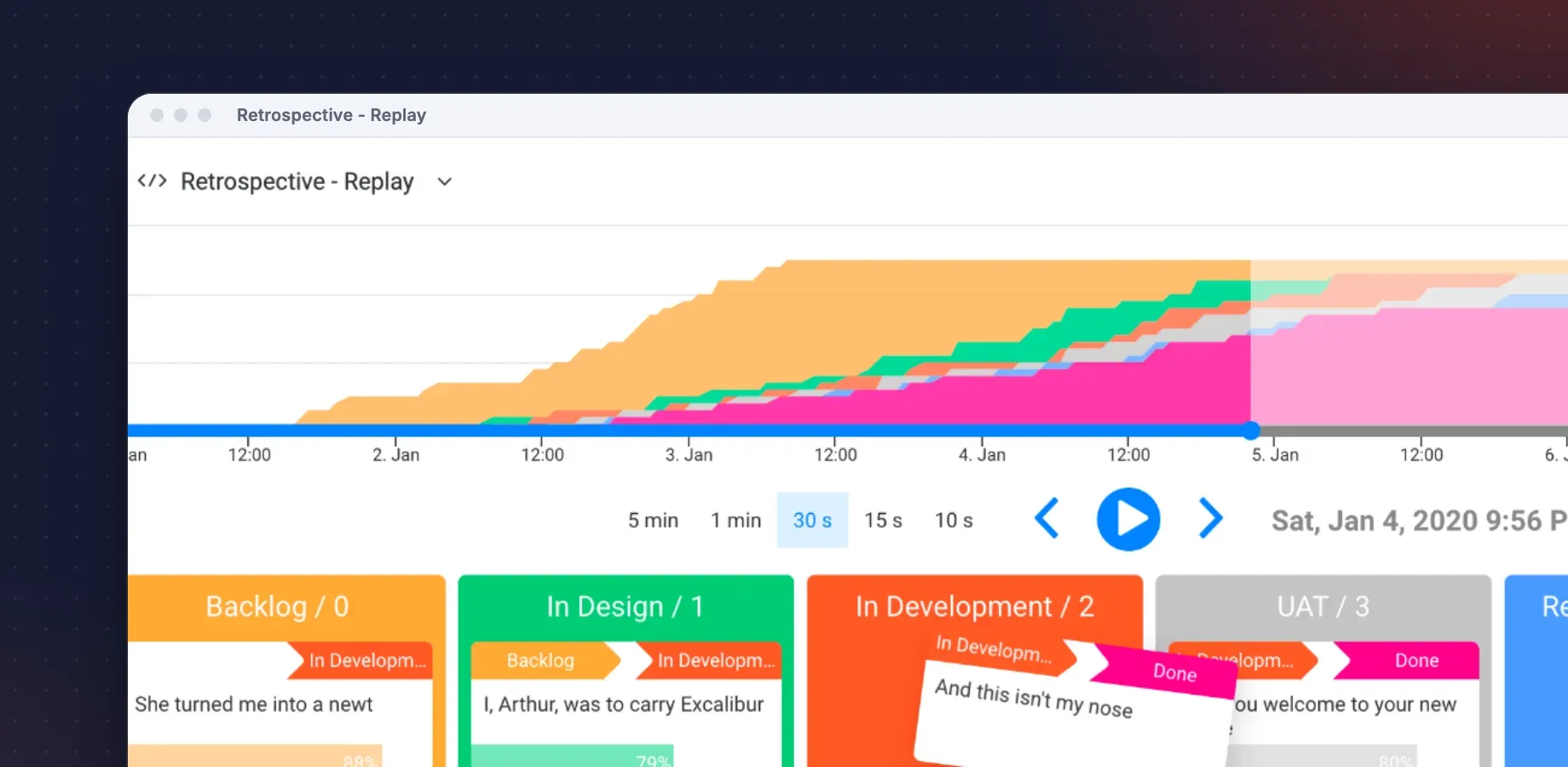
Retrospective Tools for monday
Visualize project history
Watch your monday.com board history come alive with animated replays that show how tasks moved through your workflow.
Trusted by teams at


Customer Reviews
What Advanced Export users say
Reviews from the Atlassian Marketplace. What customers mention most: daily use, change history, audits and fast support.
"I have used this app daily for almost 2 years to export all of the issues in Jira so we can analyze them. The app is great, they are constantly adding new features, and the customer service is phenomenal. Some of the fastest I have ever dealt with. I asked a question and had an answer within 5 minutes."
Tanna Walters
Advanced Export · Atlassian Marketplace · December 2023
"We heavily use this tool to provide issue detail to auditors which helps tremendously since we have a lot of data to extract. The tool is very easy to use, and the support team is great when you need them."
David Chan
Advanced Export · Atlassian Marketplace · December 2022
"One of the essential plugins in Jira, we use it daily, the [function] to export history logs saved us so many times and the customer service is the [fastest] I've ever seen…"
Mario Benedi Plana
Advanced Export · Atlassian Marketplace · December 2023
"Does what it says nicely. I also found a bug which I reported and was fixed within hours. Nice team and good product."
Amir Weiss
Advanced Export · Atlassian Marketplace · June 2018
Get in touch
Before you install
The questions Jira admins ask us first: who we are, how to reach us, and where your data goes.
Company
Advanced Insights
(formerly Kanbanalytics)
SNG Technologies Ltd.
United Kingdom · in business since 2012
Support
Email the developers who build the apps. We aim to reply within 24 hours, and reviewers mention same-day fixes.
support@advancedinsights.appWhere your data goes
Interactive exports run in your browser. Scheduled exports run in the region you choose, and emailed or SFTP reports aren't stored. AI assistants sign in as you and see only what you can see in Jira. In Rovo nothing is created or sent until you confirm, and the agent can't delete exports or read delivery credentials.
Security & Privacy Policy